Bricks by Avito
Bricks by Avito
Web builder for creating digital products
Web builder for creating digital products
Senior Product Designer
Senior Product Designer
2024-Now
2024-Now
About product
About product
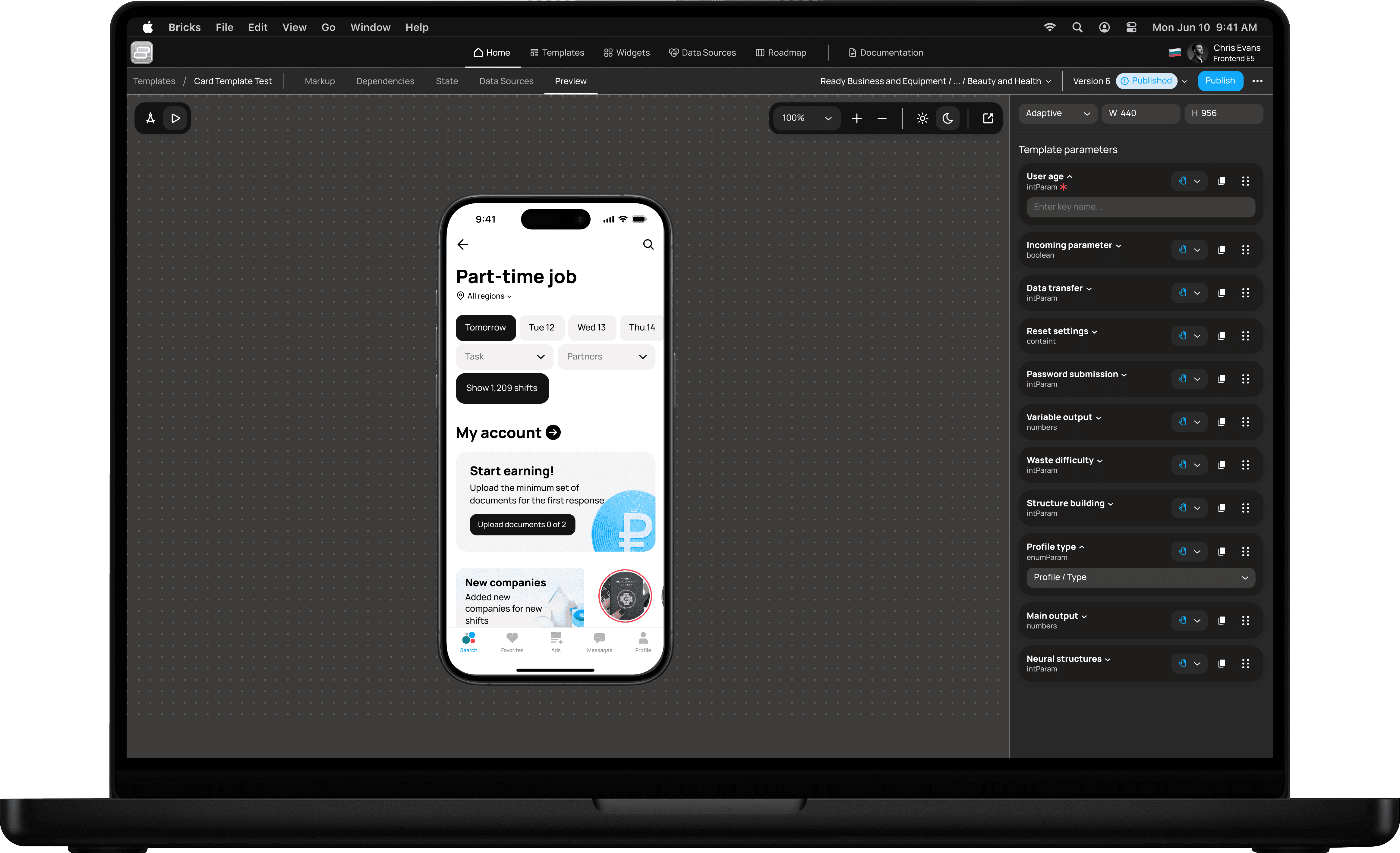
Bricks is Avito’s internal low-code product builder that empowers teams to rapidly create, evolve, and scale digital products. Bricks enables the assembly of flexible, modular interfaces, advanced customization of UI and business logic, orchestration of process dependencies, and seamless data integrations — accelerating product delivery without building everything from scratch.
Bricks is Avito’s internal low-code product builder that empowers teams to rapidly create, evolve, and scale digital products. Bricks enables the assembly of flexible, modular interfaces, advanced customization of UI and business logic, orchestration of process dependencies, and seamless data integrations — accelerating product delivery without building everything from scratch.
Avito is the world's leading classified platform, with 74M+ MAU and a dominant market position
Avito is the world's leading classified platform, with 74M+ MAU and a dominant market position
Fast results and hypothesis testing.
The ability to quickly test hypotheses and add or edit your product's functionality
Fast results and hypothesis testing.
The ability to quickly test hypotheses and add or edit your product's functionality
Fast results and hypothesis testing.
The ability to quickly test hypotheses and add or edit your product's functionality
Ease of setup with drag-and-drop blocks.
You can change the structure of a page or product block in no time by dragging and dropping widgets within the product layout.
Ease of setup with drag-and-drop blocks.
You can change the structure of a page or product block in no time by dragging and dropping widgets within the product layout.
Ease of setup with drag-and-drop blocks.
You can change the structure of a page or product block in no time by dragging and dropping widgets within the product layout.
All versions are stored securely.
If you need to revert to a previous version, you can select it from the list stored in the product.
All versions are stored securely.
If you need to revert to a previous version, you can select it from the list stored in the product.
All versions are stored securely.
If you need to revert to a previous version, you can select it from the list stored in the product.
Old Design & Problems
Old Design & Problems
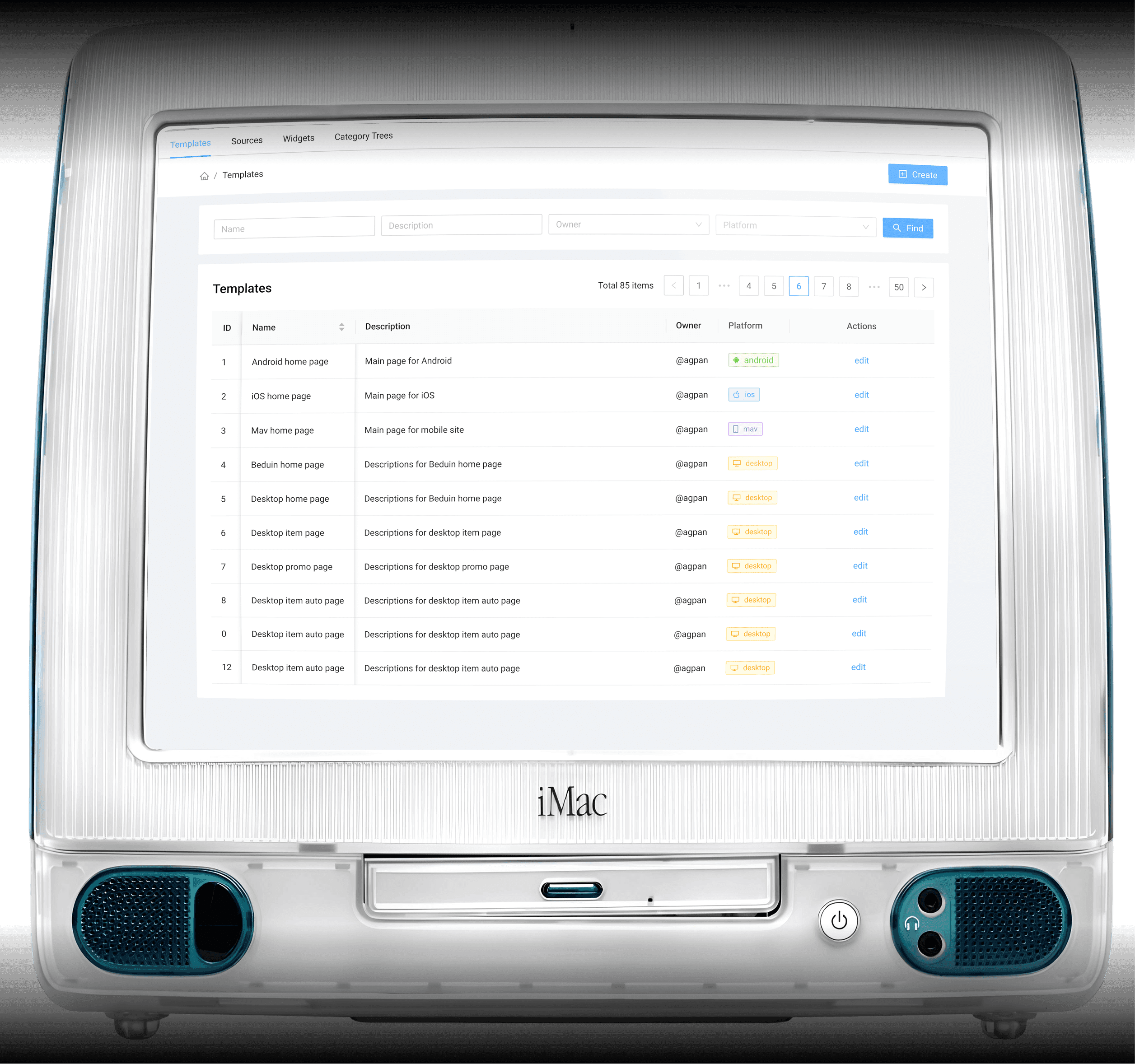
The product was developed without product design involvement - developers created the interface on their own. This led to overload, weak navigation and broken user flow logic.
The product was developed without product design involvement - developers created the interface on their own. This led to overload, weak navigation and broken user flow logic.
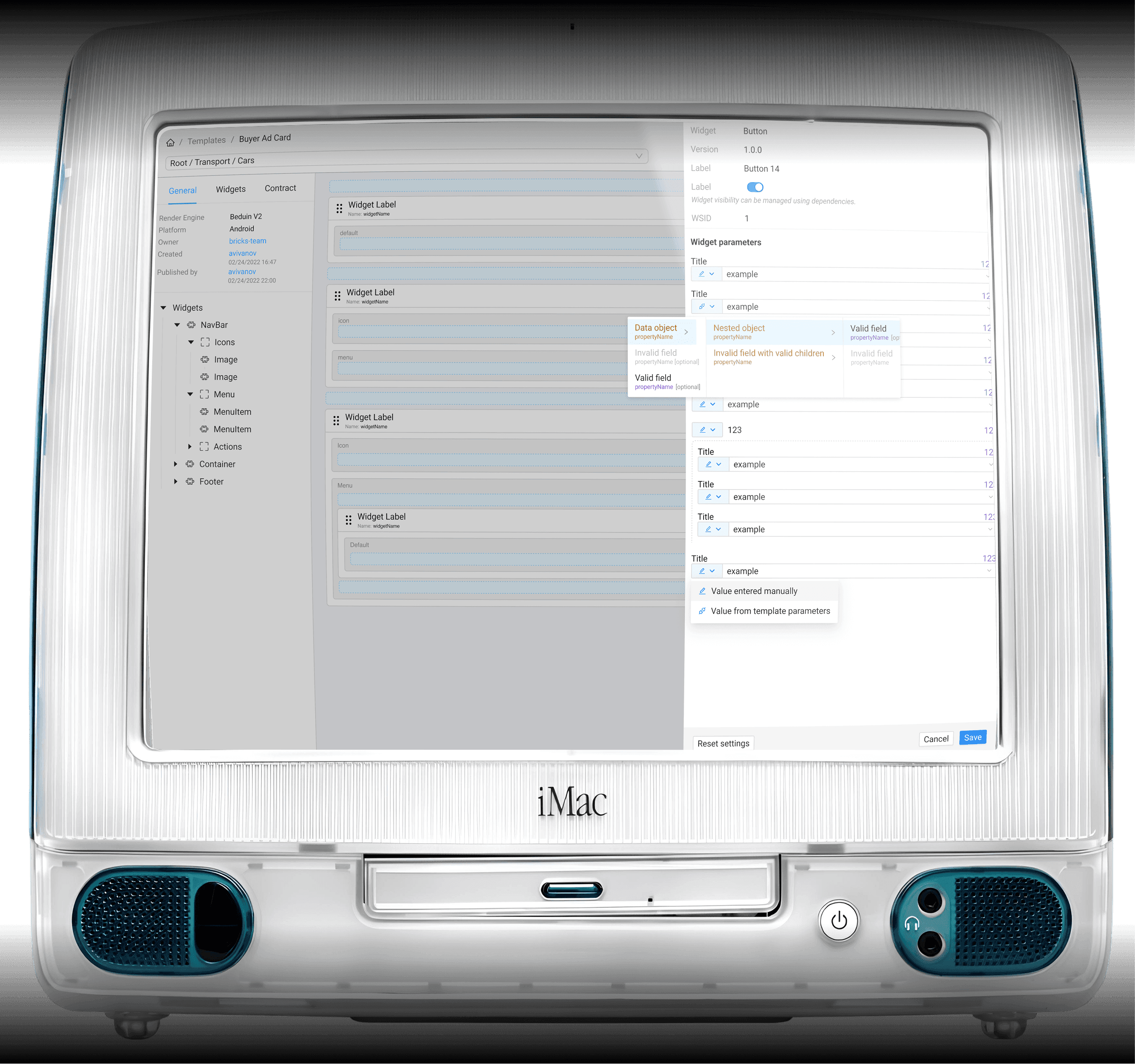
The product lacked visual hierarchy. The Bricks interface was visually flat: headings, containers, static and editable content, and interactive elements shared the same styles and spacing. This made it hard to distinguish what was primary or secondary, slowing users down and causing confusion, especially for new users.
Labels and descriptions were overly technical and unclear. Placeholder-style names (e.g., Widget Label, widgetName, MenuItem) didn’t convey the real purpose of components, making template editing confusing, error-prone, and hard to adopt without guidance.
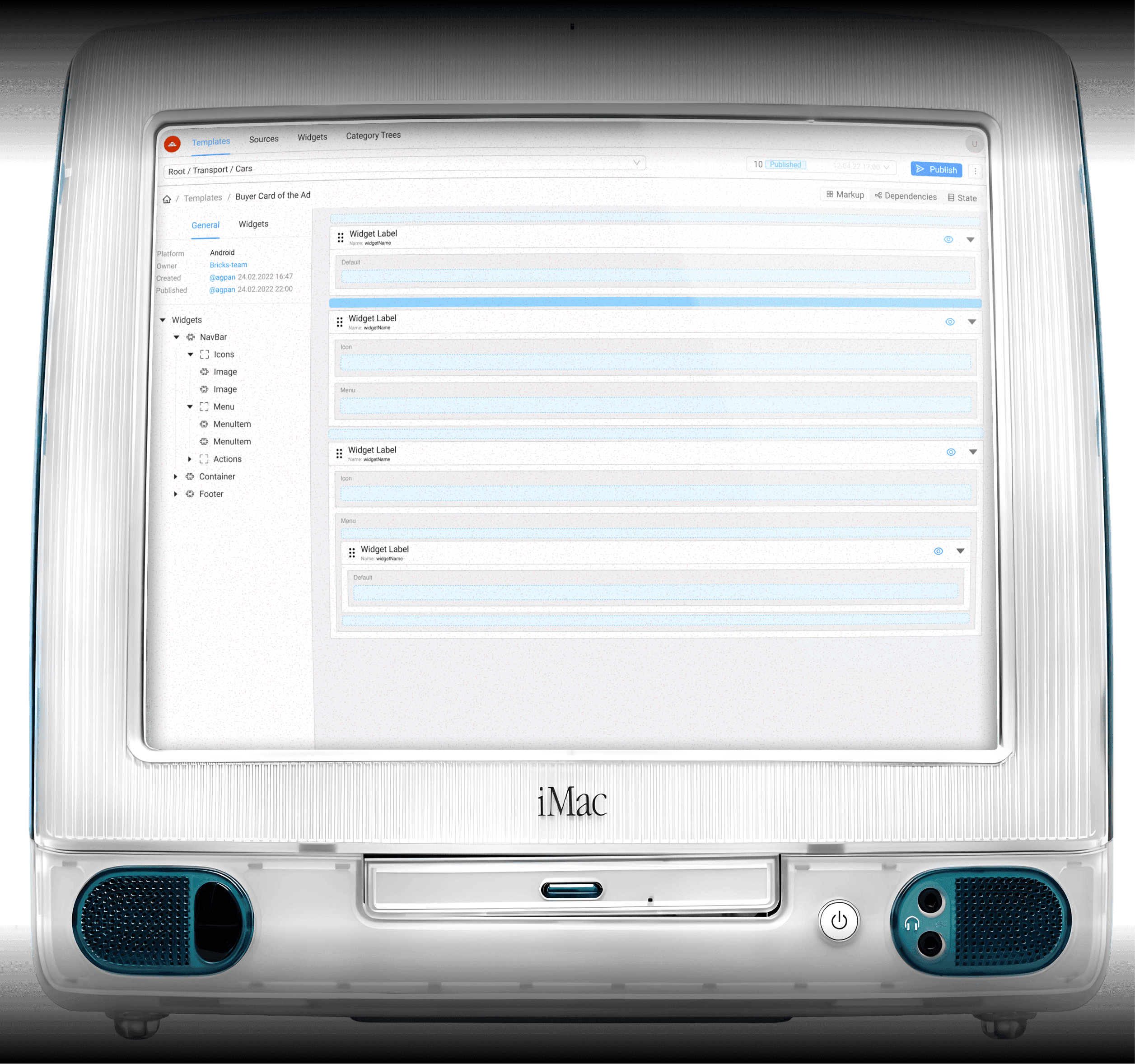
The interface lacked feedback for user actions. Before the redesign, the system provided no visual confirmation for saves, publishes, or edits. The absence of status indicators or interaction feedback caused user uncertainty, repeated actions, and frequent support requests.
The product lacked visual hierarchy. The Bricks interface was visually flat: headings, containers, static and editable content, and interactive elements shared the same styles and spacing. This made it hard to distinguish what was primary or secondary, slowing users down and causing confusion, especially for new users.
Labels and descriptions were overly technical and unclear. Placeholder-style names (e.g., Widget Label, widgetName, MenuItem) didn’t convey the real purpose of components, making template editing confusing, error-prone, and hard to adopt without guidance.
The interface lacked feedback for user actions. Before the redesign, the system provided no visual confirmation for saves, publishes, or edits. The absence of status indicators or interaction feedback caused user uncertainty, repeated actions, and frequent support requests.
The product lacked visual hierarchy. The Bricks interface was visually flat: headings, containers, static and editable content, and interactive elements shared the same styles and spacing. This made it hard to distinguish what was primary or secondary, slowing users down and causing confusion, especially for new users.
Labels and descriptions were overly technical and unclear. Placeholder-style names (e.g., Widget Label, widgetName, MenuItem) didn’t convey the real purpose of components, making template editing confusing, error-prone, and hard to adopt without guidance.
The interface lacked feedback for user actions. Before the redesign, the system provided no visual confirmation for saves, publishes, or edits. The absence of status indicators or interaction feedback caused user uncertainty, repeated actions, and frequent support requests.
My role in product
My role in product
I owned the full design responsibility for the product, leading UX improvements, interface unification, and the adoption of a product-focused design approach. I defined and ran design processes end-to-end, ensuring a cohesive user experience and aligning design decisions with product strategy and business impact.
I owned the full design responsibility for the product, leading UX improvements, interface unification, and the adoption of a product-focused design approach. I defined and ran design processes end-to-end, ensuring a cohesive user experience and aligning design decisions with product strategy and business impact.

That's me
That's me
Design
Design
1 Product Designer
1 Product Designer
Management
Management
1 Product Manager & 1 Lead
1 Product Manager & 1 Lead
Backend & Frontend
Backend & Frontend
5 Back & 2 Frontend Engineers
5 Back & 2 Frontend Engineers
QA
QA
1 QA
1 QA
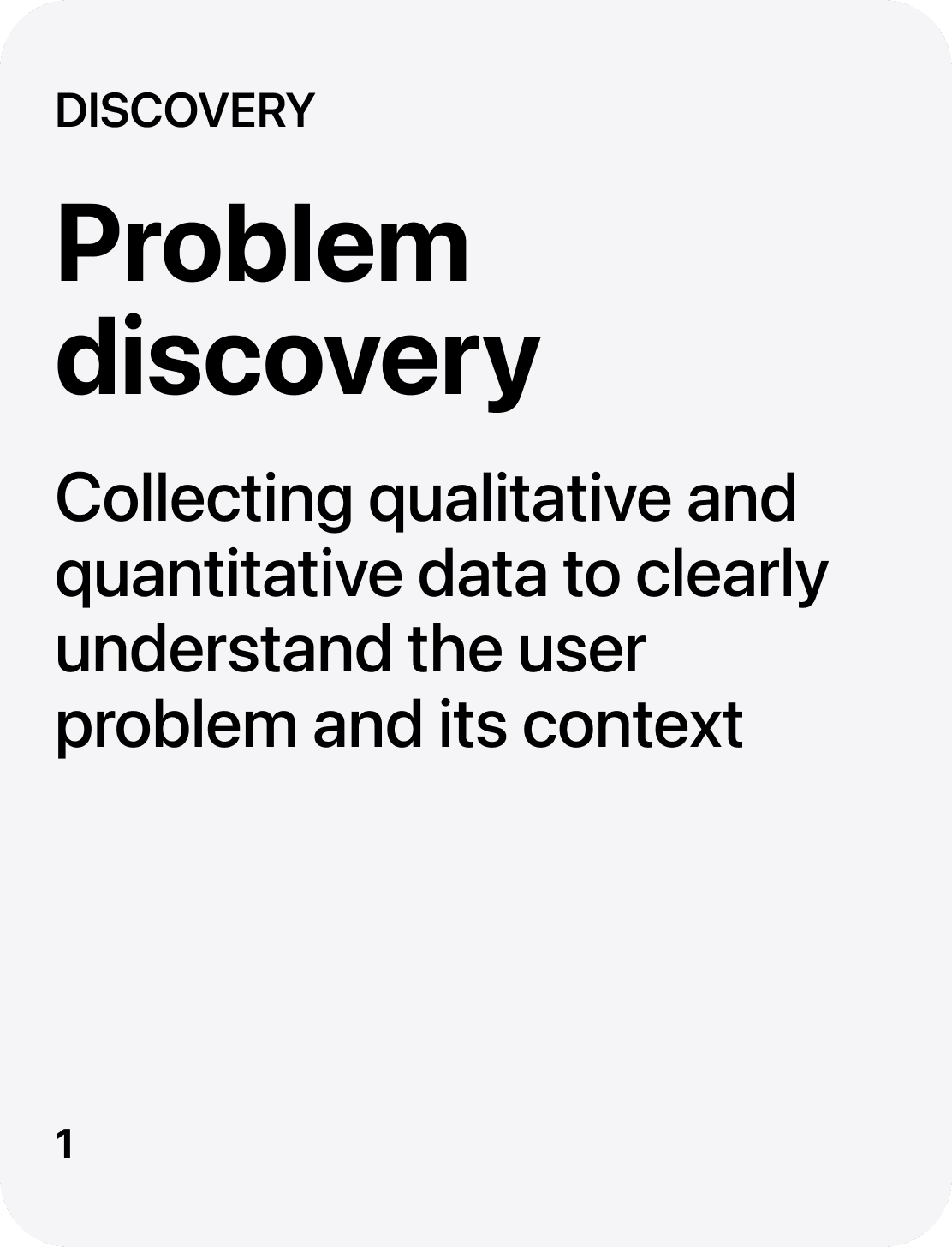
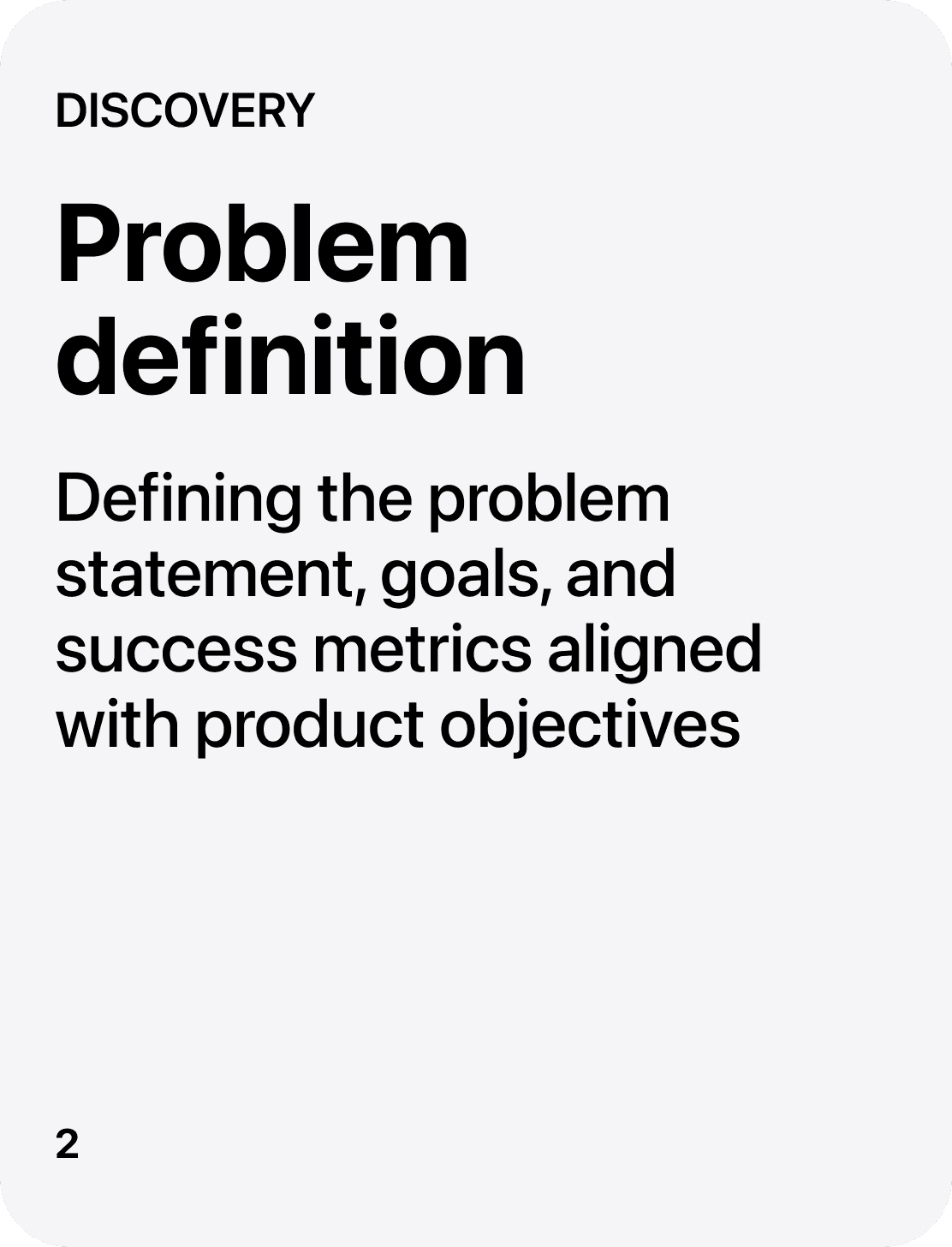
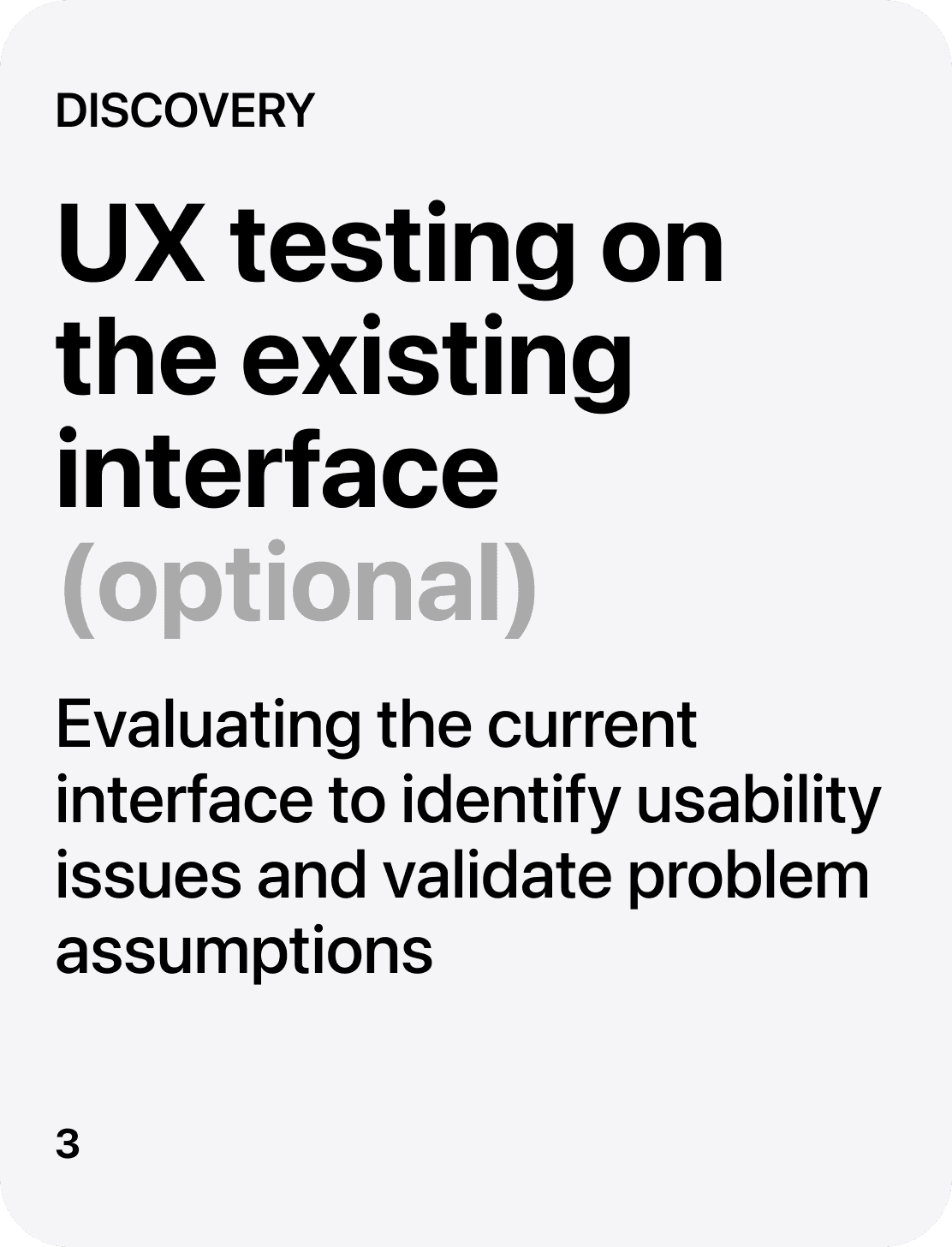
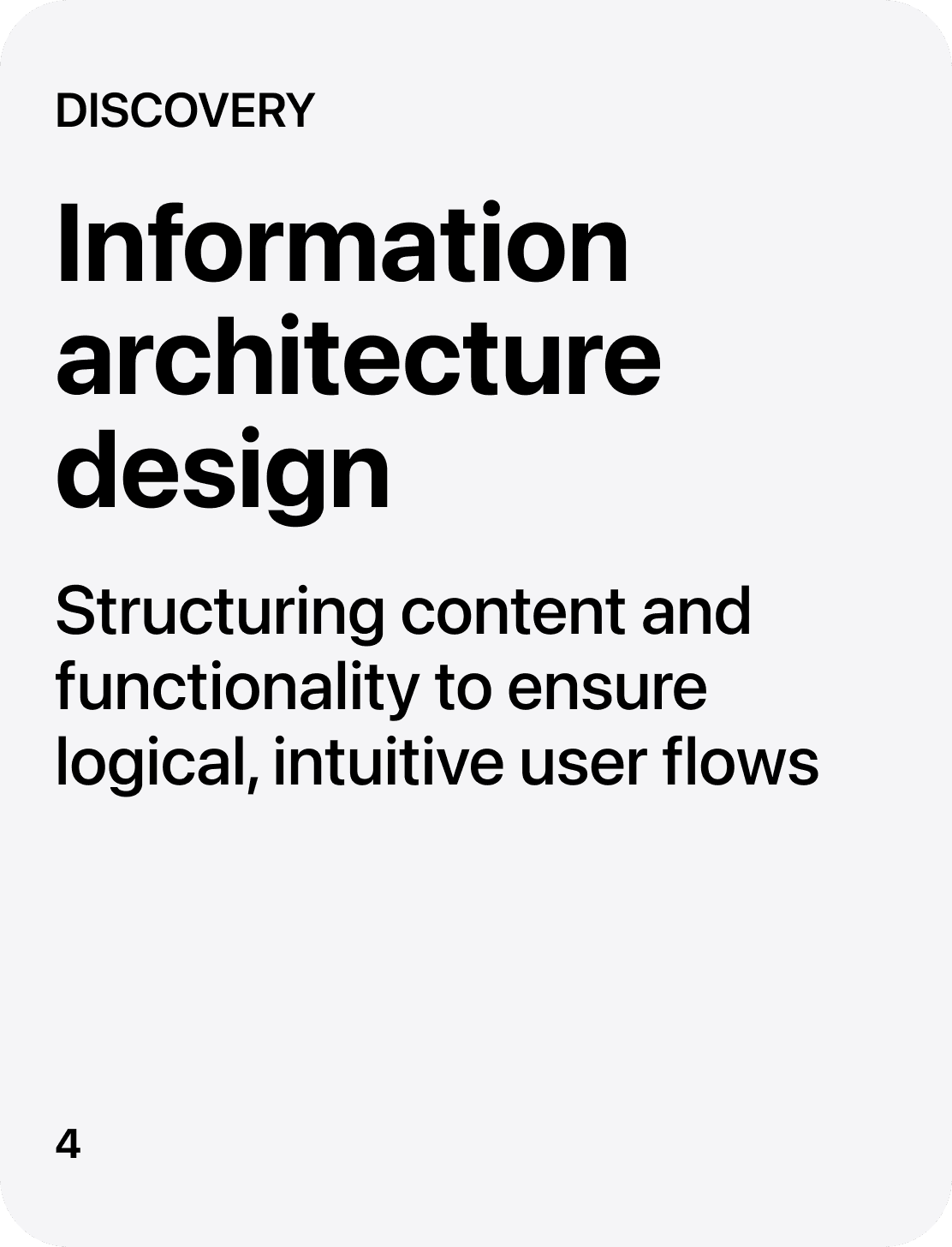
Design workflow
Design workflow

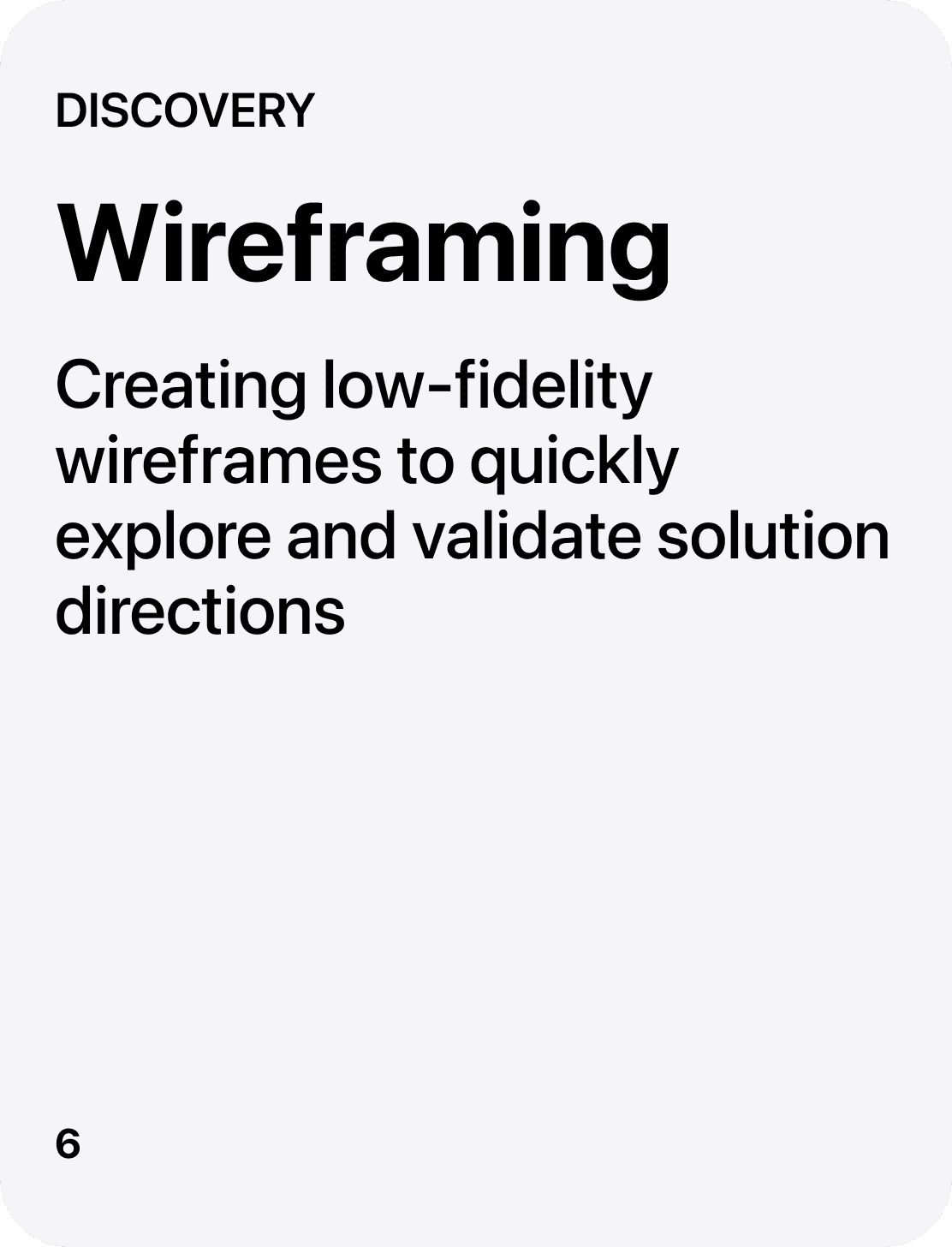
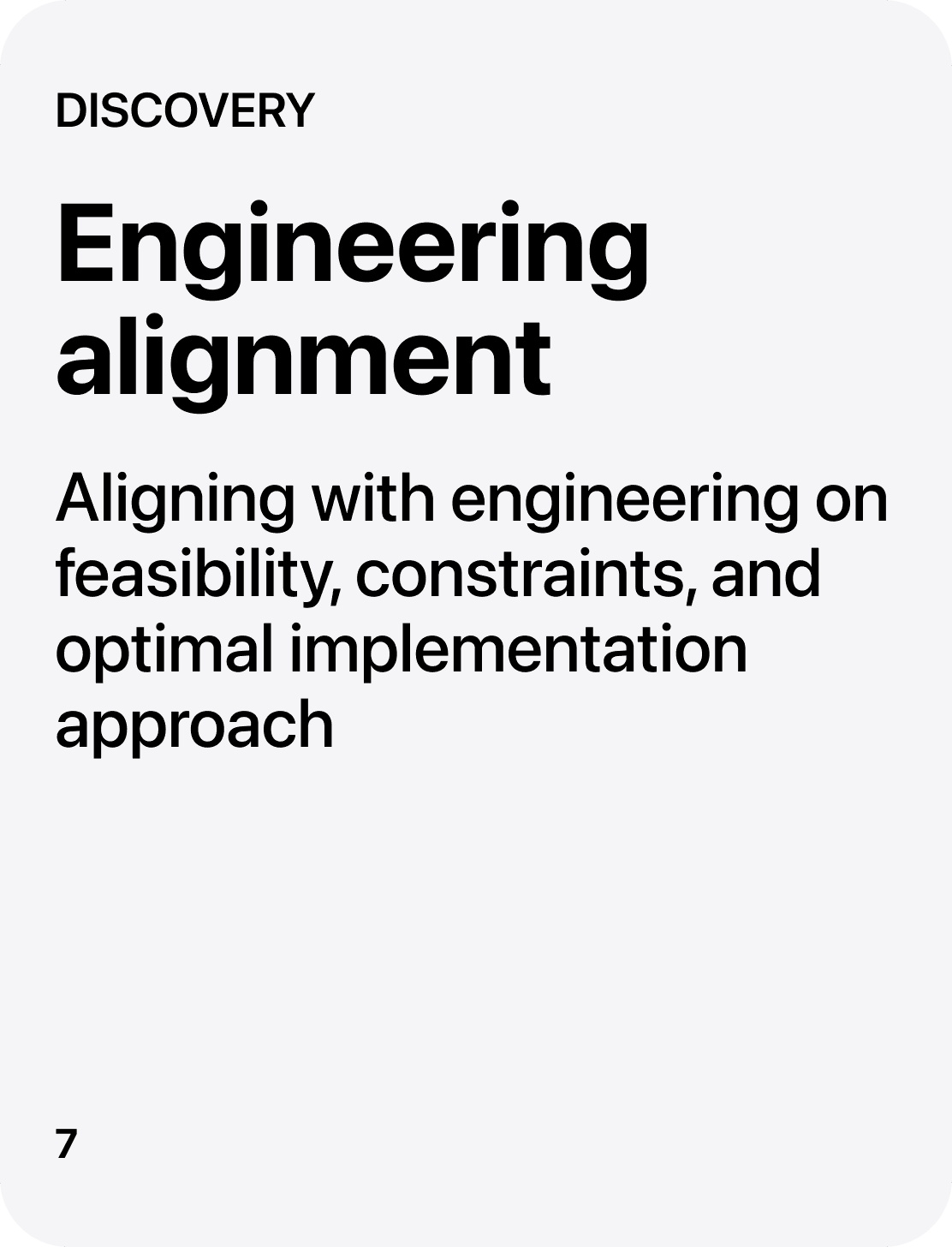
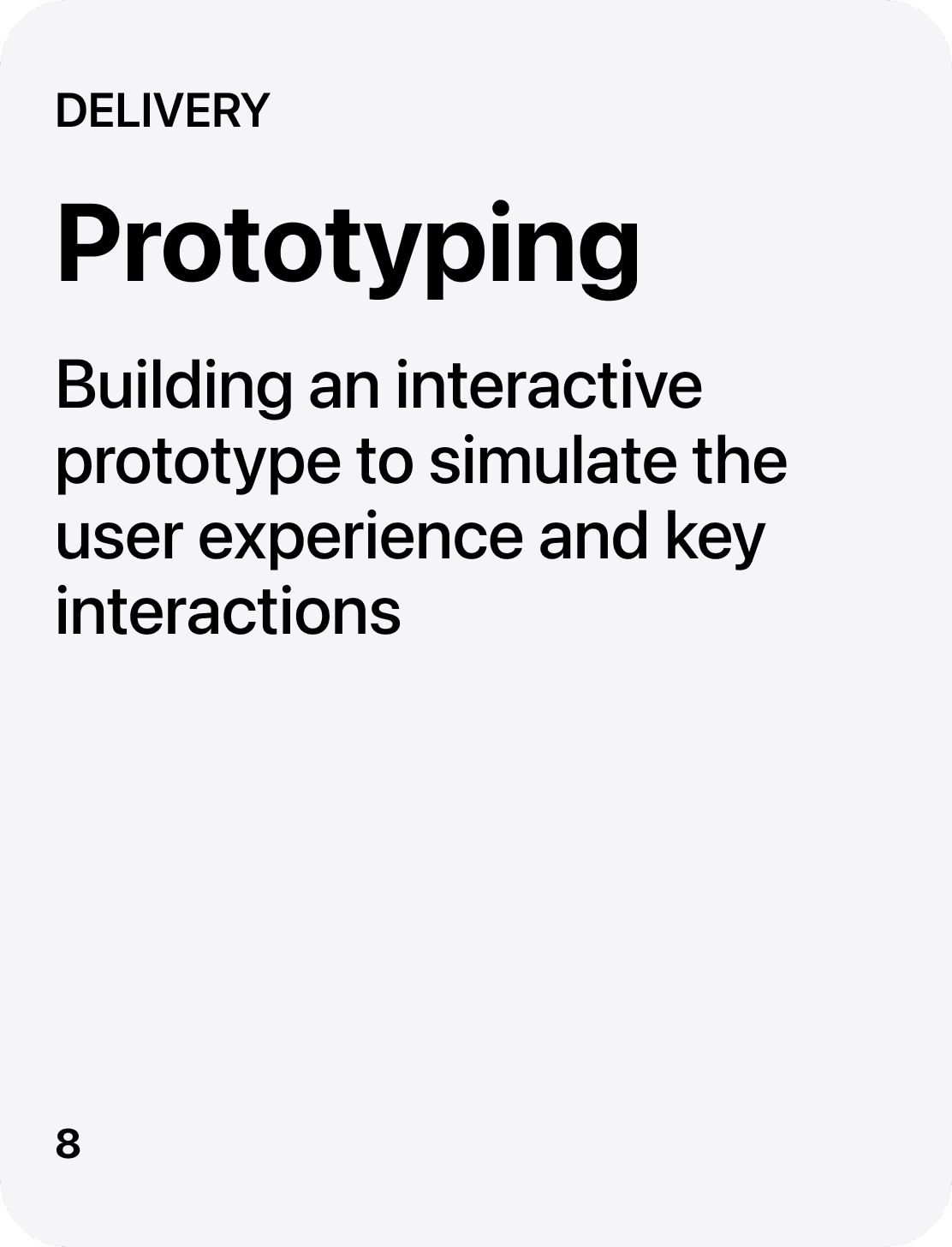
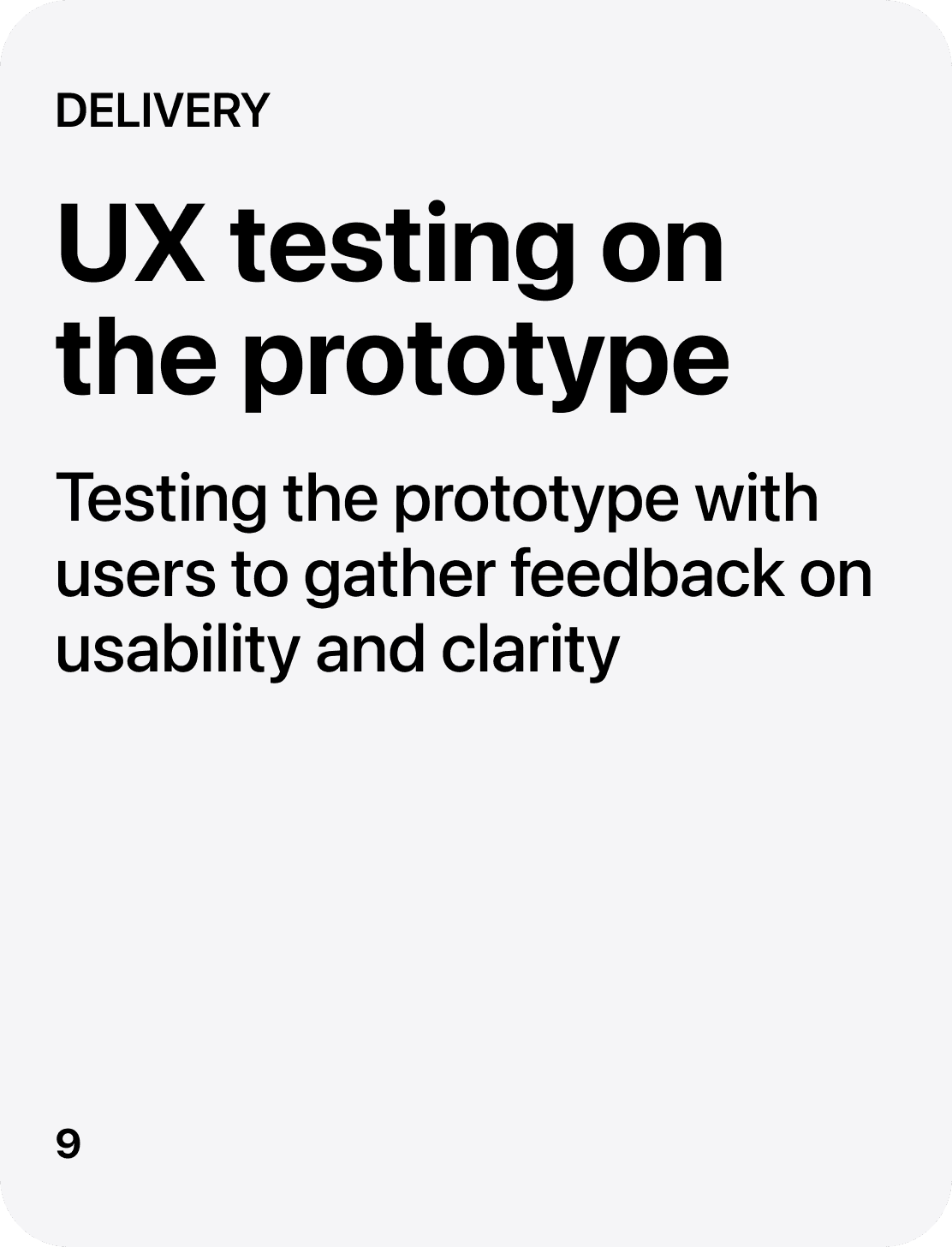
Key features I designed
Key features I designed
I designed and delivered a set of core product features focused on improving usability, flexibility, and team collaboration. These solutions simplified complex workflows, enabled real-time interaction with product elements, and reduced friction in everyday user tasks. Each feature was built to enhance efficiency, ensure reliability, and directly support scalable product growth and diverse use cases.
I designed and delivered a set of core product features focused on improving usability, flexibility, and team collaboration. These solutions simplified complex workflows, enabled real-time interaction with product elements, and reduced friction in everyday user tasks. Each feature was built to enhance efficiency, ensure reliability, and directly support scalable product growth and diverse use cases.
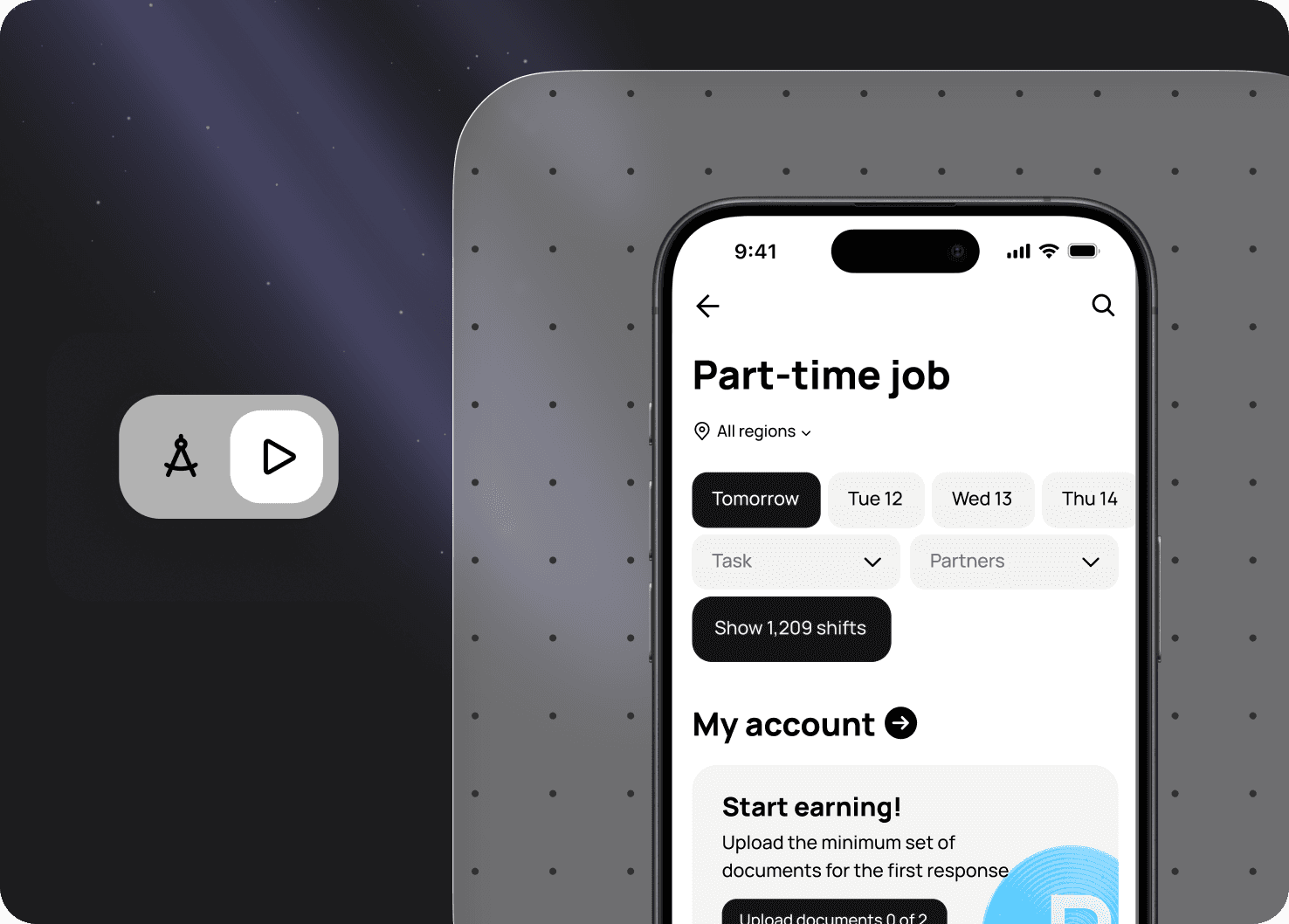
I introduced a layout preview feature that enables instant result visibility, simplifying a core product workflow and eliminating the need to wait for production release to see the final layout.
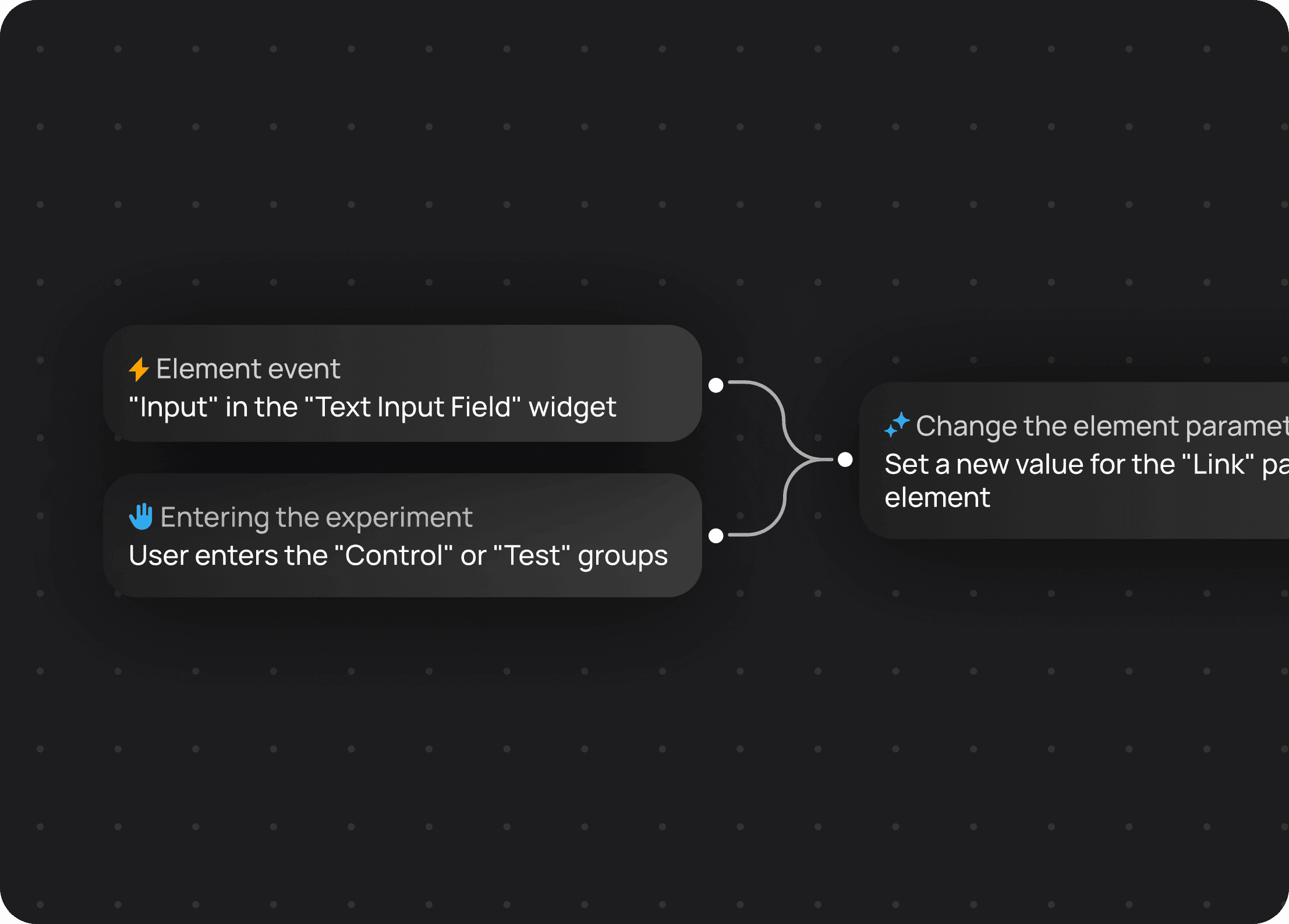
I developed a system of dependencies between parameters that enables flexible product configuration. Changes in one element are automatically reflected in related parts of the system, making setup more predictable. This reduced manual adjustments and accelerated adaptation to different use cases.
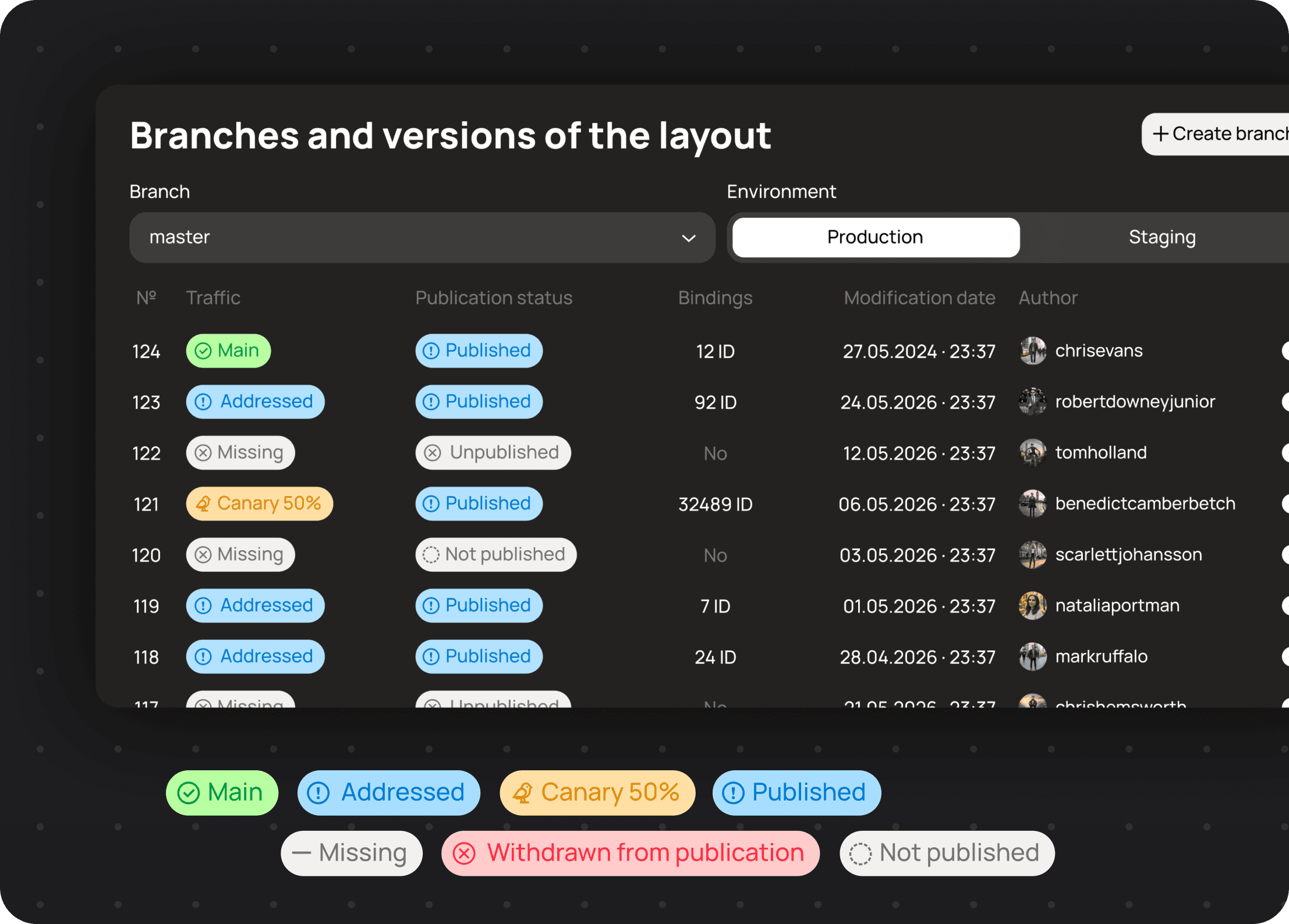
I designed a branching and versioning system for templates that enabled users to work on templates simultaneously without the risk of data loss. This significantly improved collaboration and increased team productivity by 2.5x.
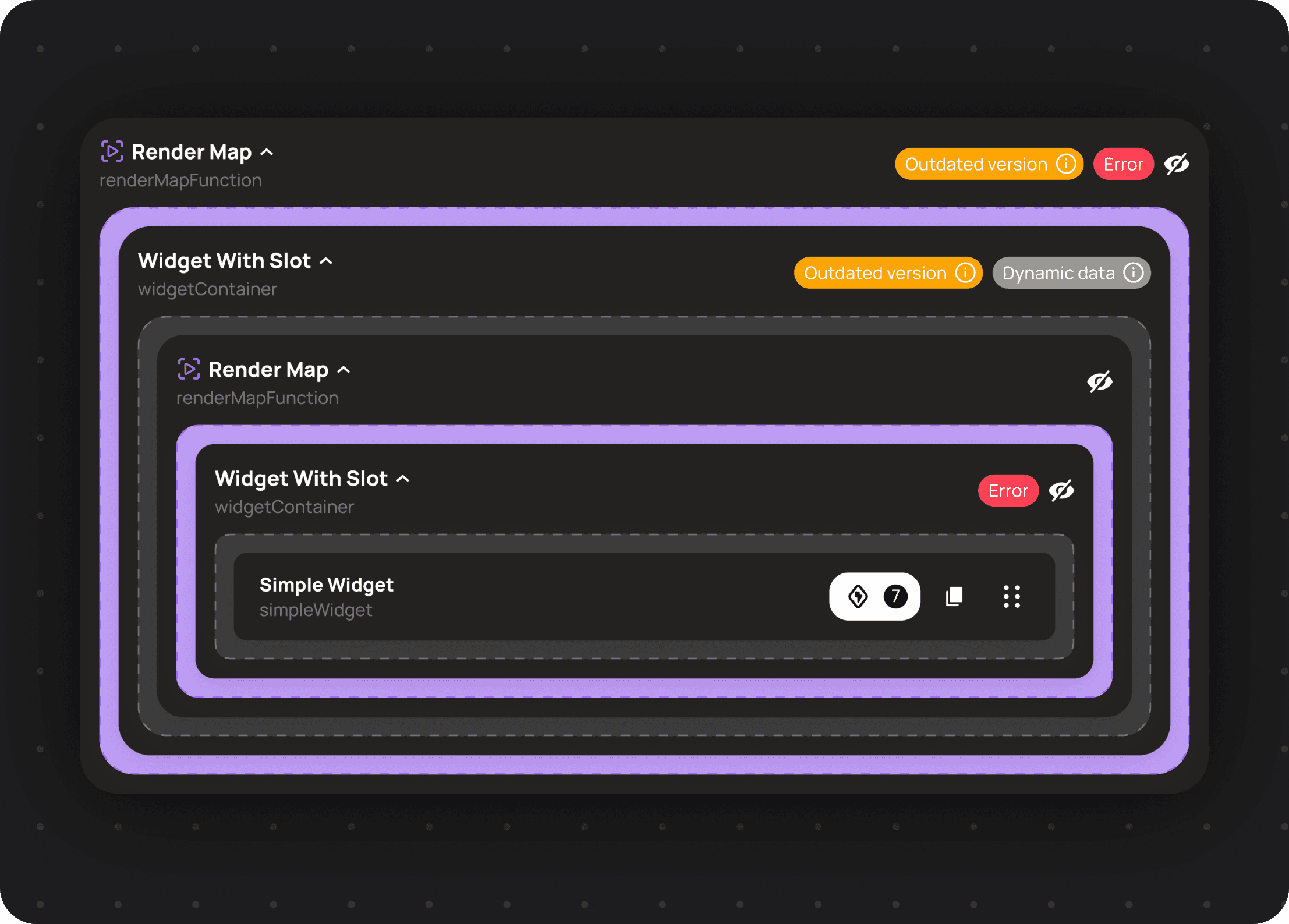
I developed a template skeleton structuring mechanism that allows users to build flexible and highly customizable layouts for different use cases. This simplified working with template structures and introduced deep nested entities, enabling more precise control and better scalability of user projects.
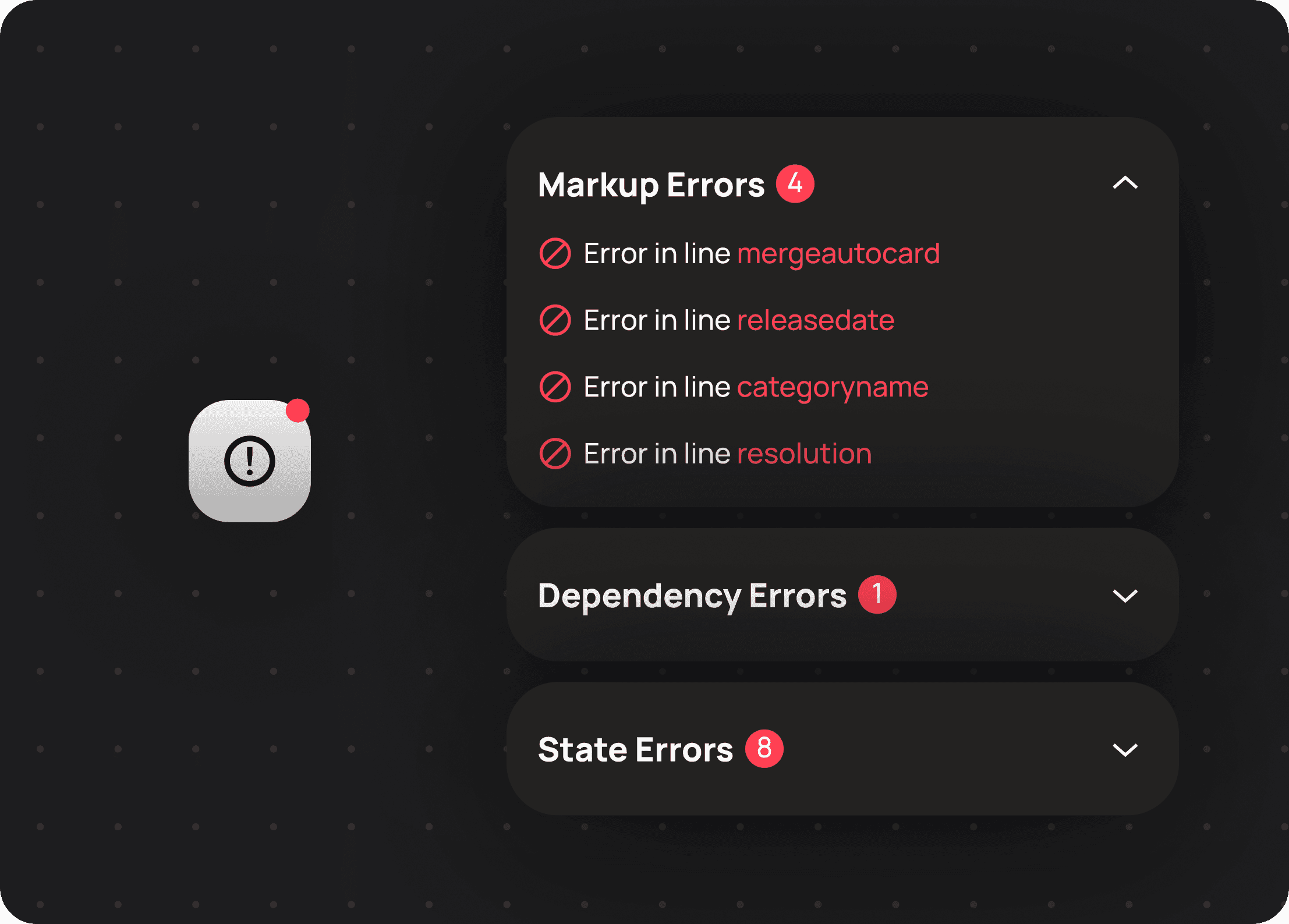
I developed an error indication system for assembled layouts and connected data sources, enabling users to quickly identify and resolve issues. I also introduced click-to-navigate to errors, which simplified debugging and reduced the time needed to fix problems, eliminating the need to manually search through the layout structure.
Results & impact
Results & impact
Each solution delivered measurable product improvements, enhancing usability, efficiency, and team collaboration, while contributing to scalable growth and long-term product value.
Each solution delivered measurable product improvements, enhancing usability, efficiency, and team collaboration, while contributing to scalable growth and long-term product value.
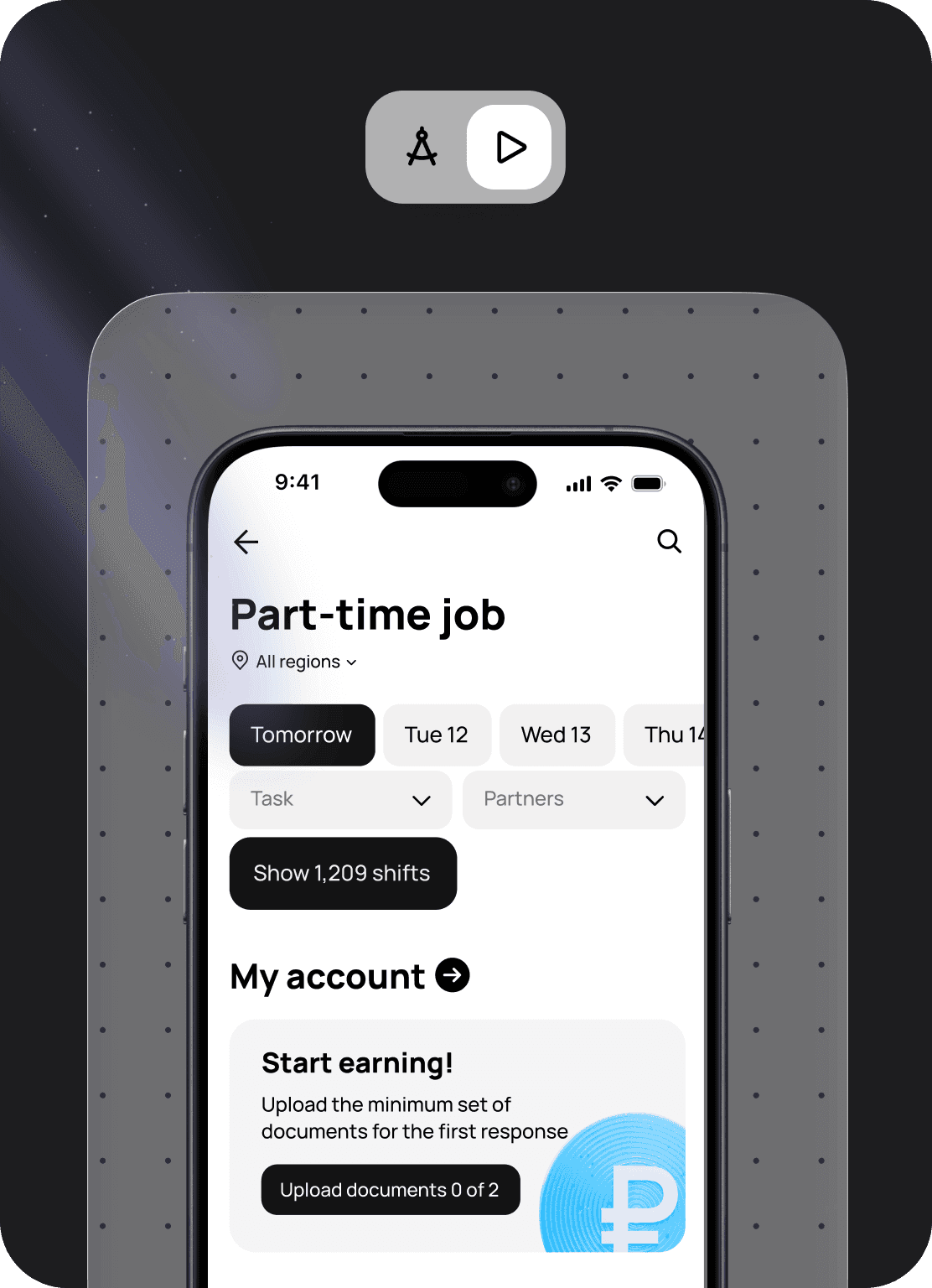
I introduced a layout preview feature
that enables instant result visibility, simplifying a core product workflow
and eliminating the need to wait for production release to see the final layout.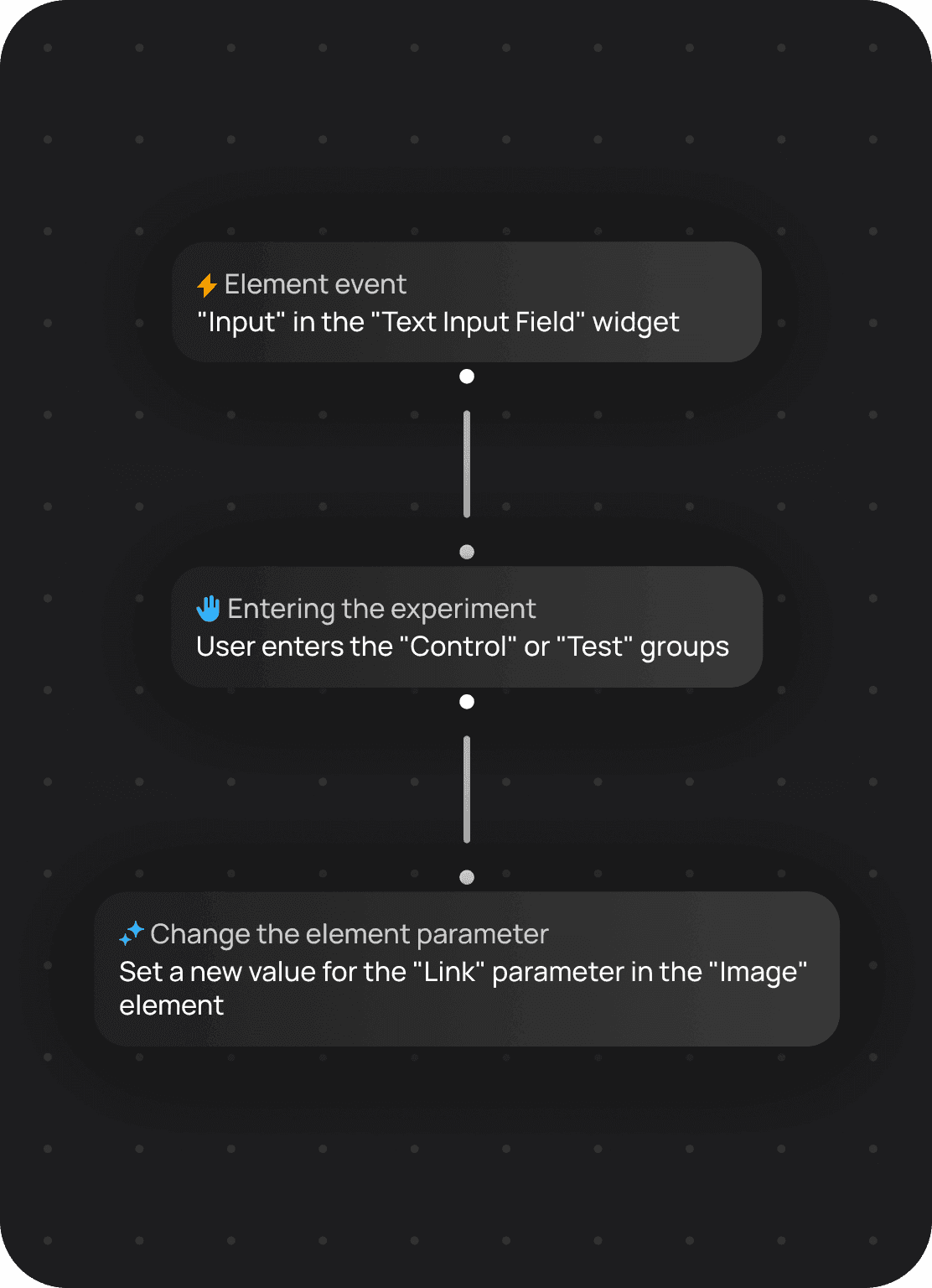
I developed a system of dependencies between parameters that enables flexible product configuration. Changes in one element are automatically reflected in related parts of the system, making setup more predictable. This reduced manual adjustments and accelerated adaptation to different use cases.
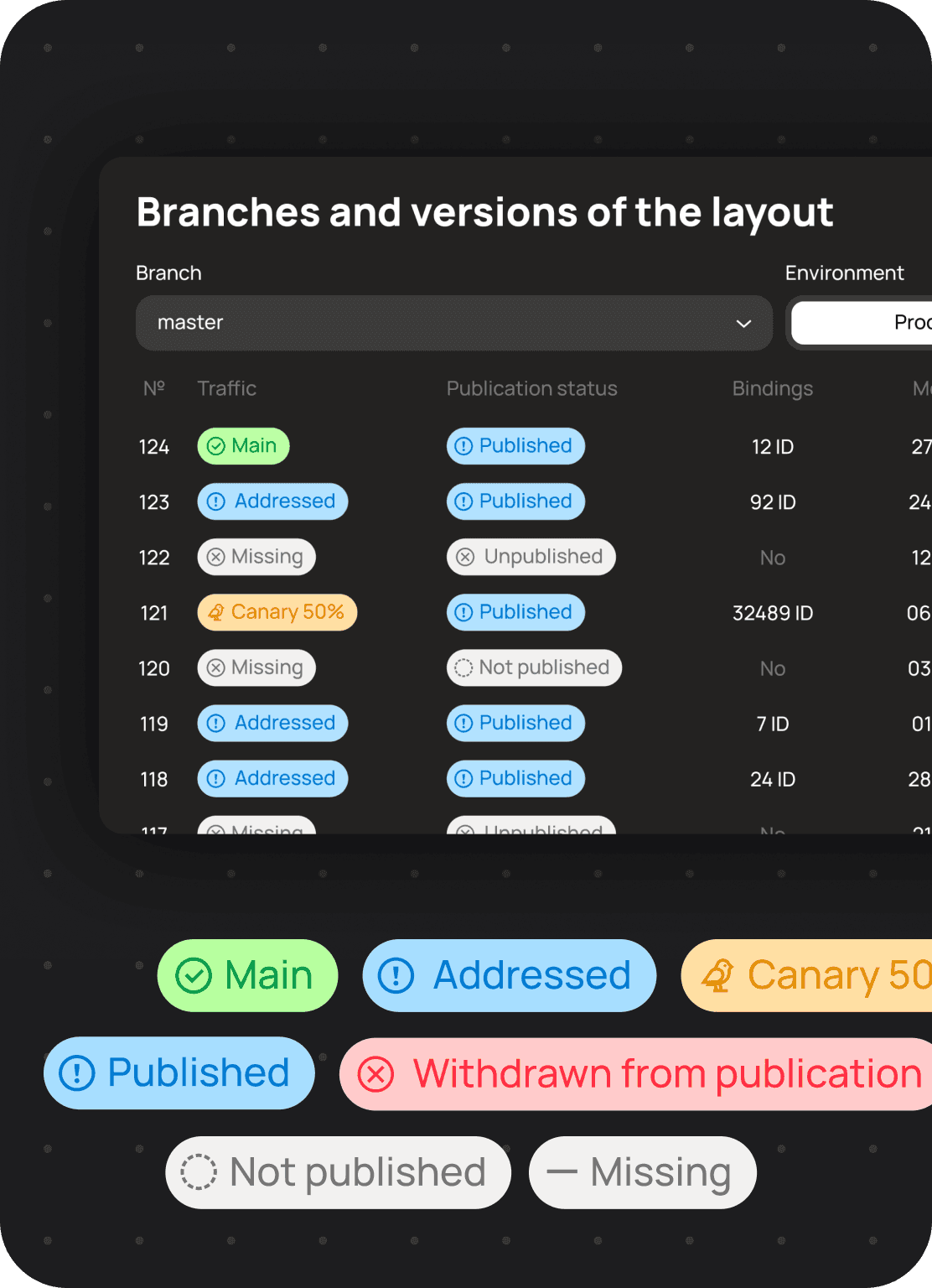
I designed a branching and versioning system for templates that enabled users to work on templates simultaneously without the risk of data loss. This significantly improved collaboration and increased team productivity by 2.5x.
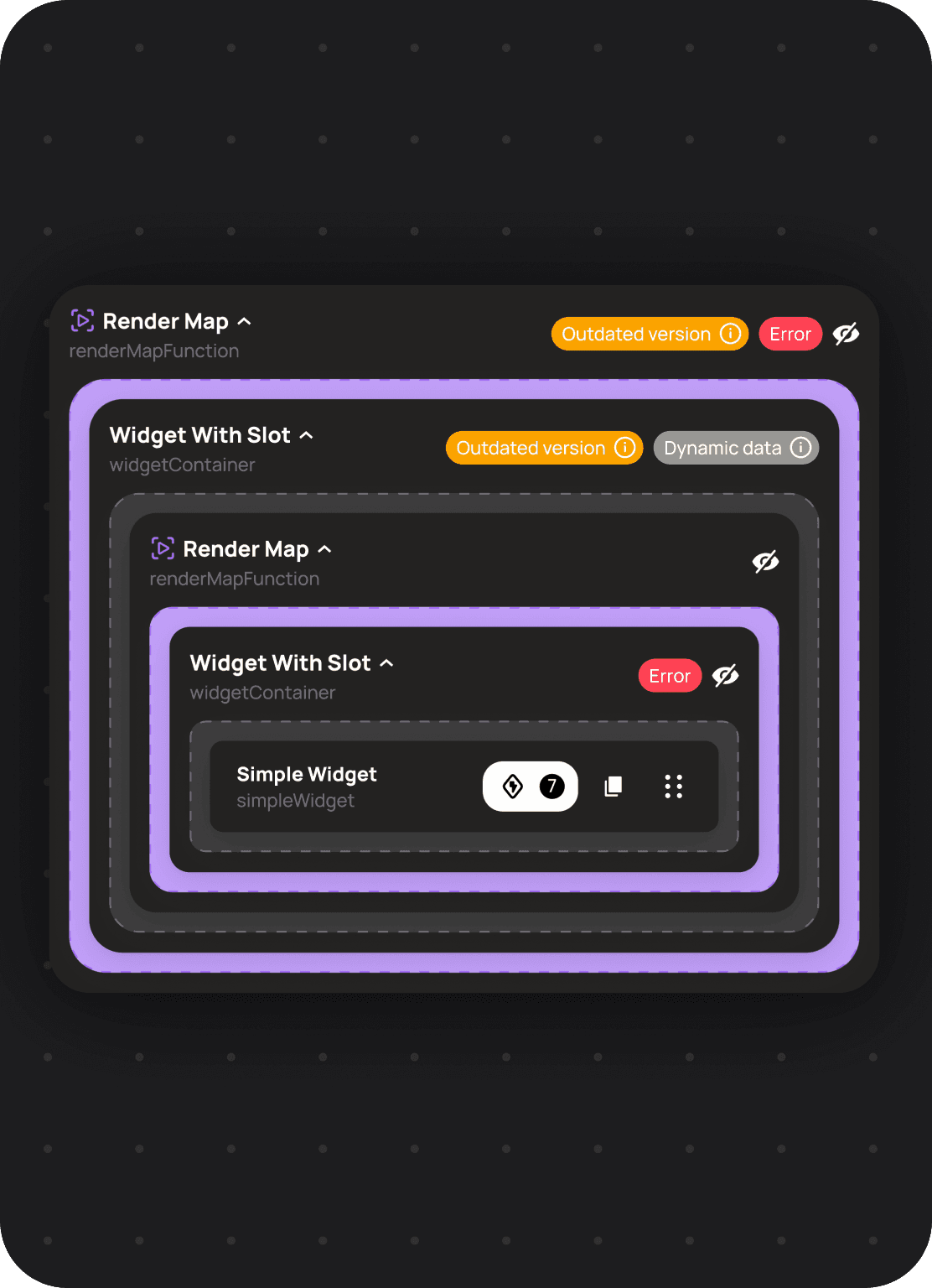
I developed a template skeleton structuring mechanism that allows users to build flexible and highly customizable layouts for different use cases. This simplified working with template structures and introduced deep nested entities, enabling more precise control and better scalability of user projects.
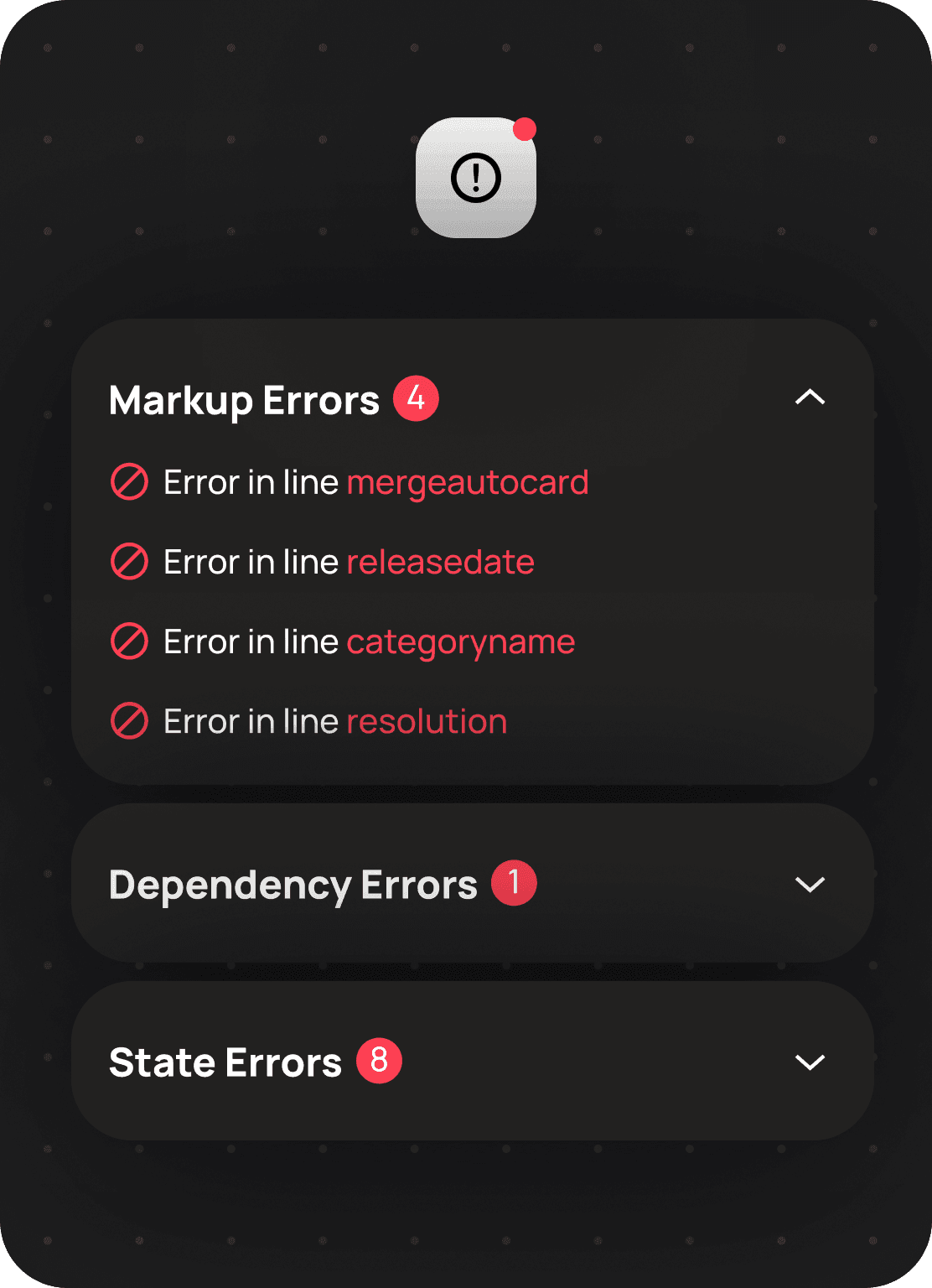
I developed an error indication system for assembled layouts and connected data sources, enabling users to quickly identify and resolve issues. I also introduced click-to-navigate to errors, which simplified debugging and reduced the time needed to fix problems, eliminating the need to manually search through the layout structure.
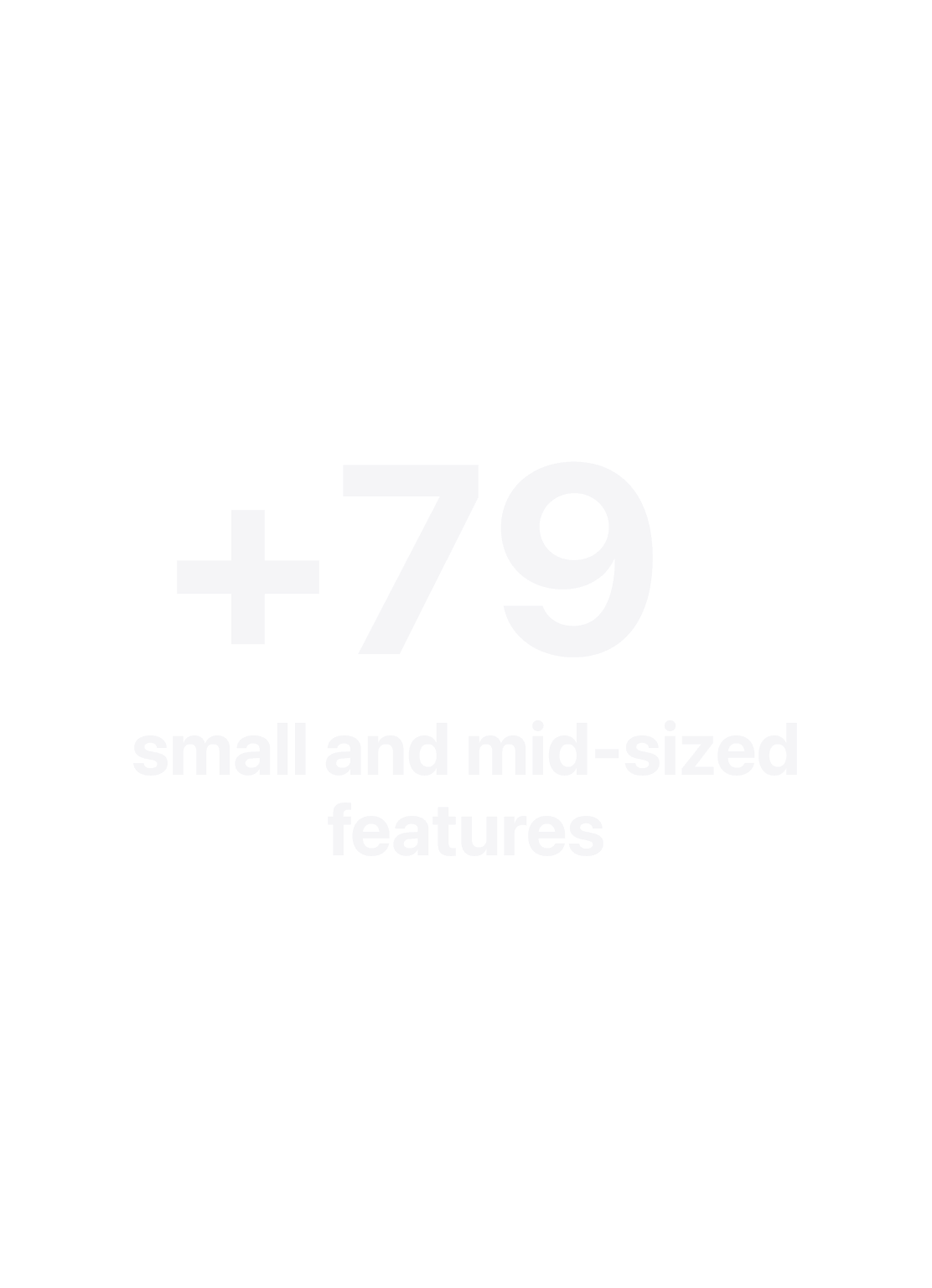
8х
8х
8х
Faster interface creation
Faster interface creation
67%
67%
67%
Reduction in ramp time
Reduction in ramp time
72 → 94
72 → 94
72 → 94
Program NPS
Program NPS